Connect and go
Enter Sokety's OCPP address in the charger settings. As soon as it connects, it appears in the panel with brand, model, socket count and power.
- OCPP 1.6J, 2.0.1 and 2.1
- Charger identity and security profile checks
- Bulk onboarding
Any charger that speaks OCPP connects to Sokety in minutes. See live status, send remote commands, update firmware and keep a record of every message.
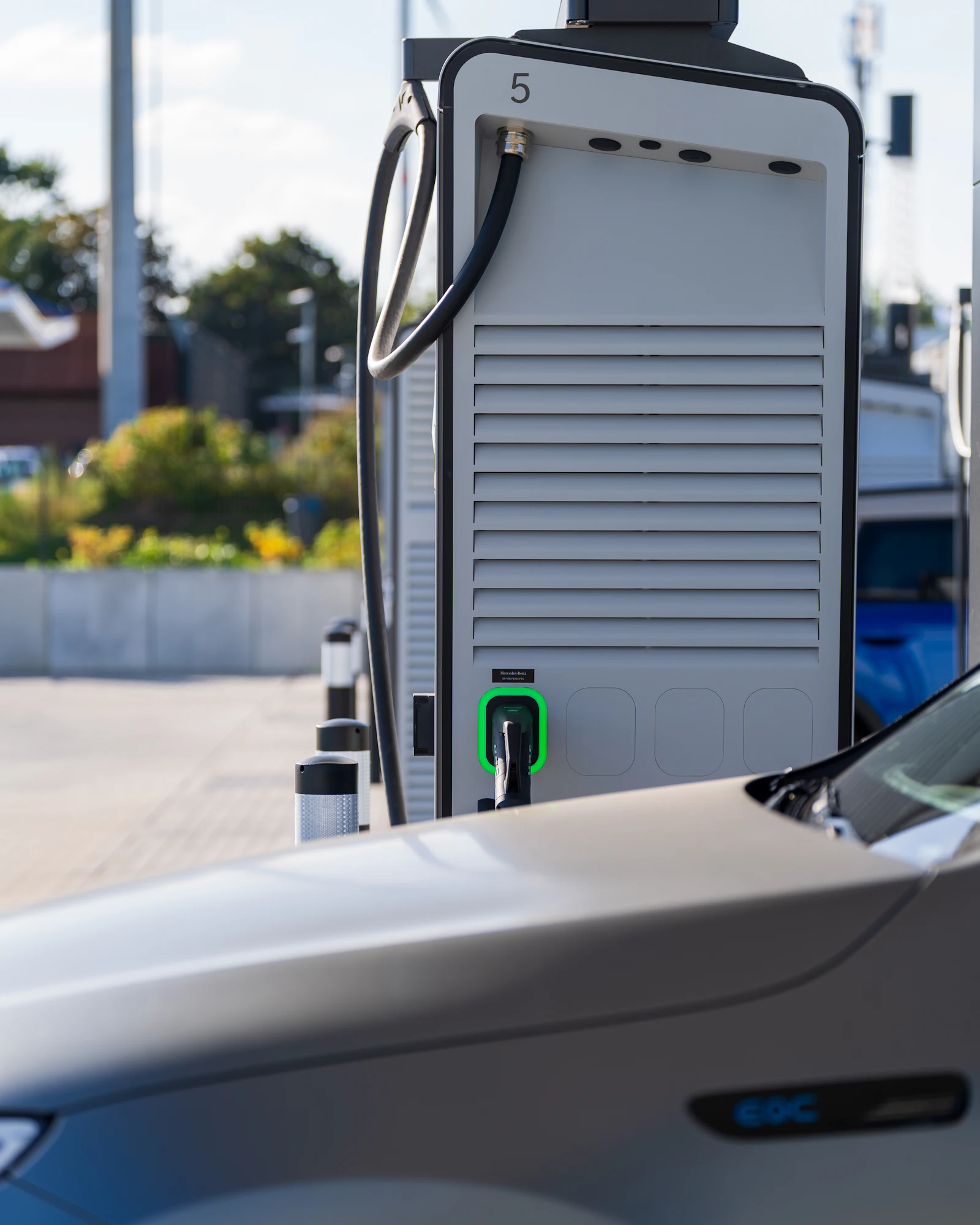
Enter Sokety's OCPP address in the charger settings. As soon as it connects, it appears in the panel with brand, model, socket count and power.
Start or stop charging, reset the charger, unlock a socket or put it into maintenance, for a single charger or a selected group.
Roll out firmware overnight, in stages, to the groups you choose. Read and change charger configuration.
Every OCPP message is stored and searchable. Lost connections, fault codes or long silences turn into alarms instantly.
How to get this module
The foundation of full Sokety; every other module builds on it.
If it supports OCPP it will most likely work. To be sure, we test it free of charge and add the result to the hardware list.
Yes. Regardless of brand or OCPP version, all chargers sit in the same list and take the same commands.
A demo built around your station count and your charger brands.